Editor’s Note
This article explores the role of Computer-Aided Design (CAD) software in creating and optimizing designs, with a specific focus on its application for 3D printing. We break down the options by user experience level to help you find the right tool.
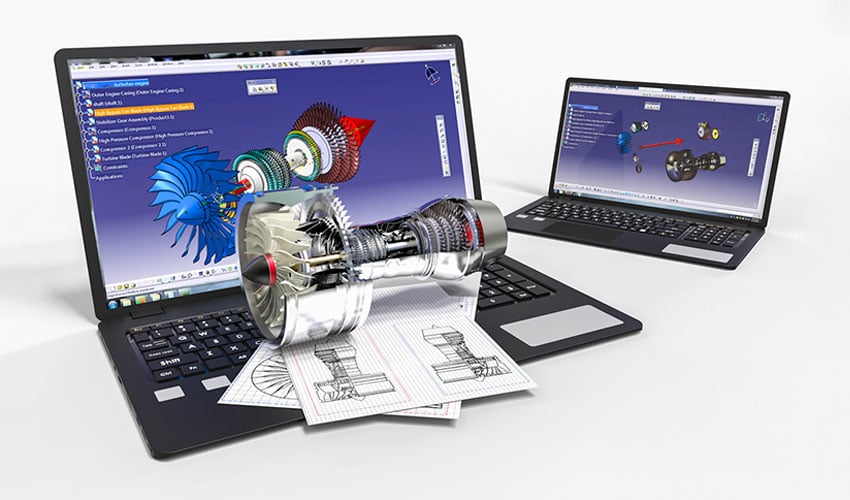
The acronym stands for Computer-Aided Design, and it suggests that it facilitates the generation, modification, and optimization of a design for a part or series of more or less complex components. CAD software can be very specific, whether for industrial, mechanical, architectural, or aeronautical engineering design. Today we will focus on CAD software used for modeling future 3D printed parts. Given the many features software can have, we have separated them by experience level: beginner, intermediate, professional.
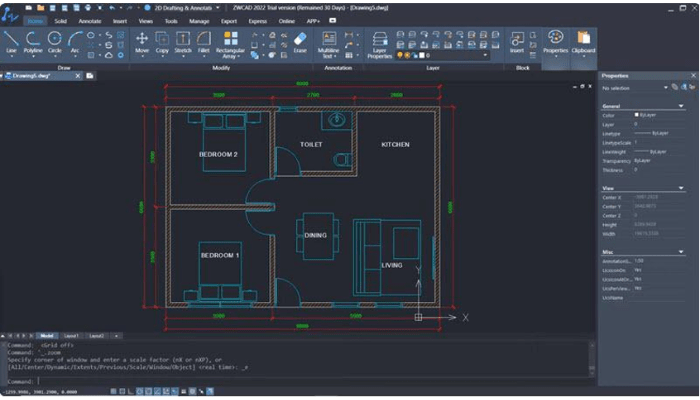
ZWCAD is an easy-to-use and straightforward CAD software designed for both 2D drawing and 3D modeling. It is a particularly lightweight software, requiring only 2 GB of RAM for smooth operation, without delays or interruptions. Furthermore, although the software is suitable for beginners and does not require deep knowledge to use, it also features more advanced functions like Smart Mouse and Smart Select for more experienced users. In terms of 3D modeling, ZWCAD allows the creation of simple 3D models, material customization, integration with third-party plugins, and boasts excellent 3D rendering capabilities. Additionally, ZWCAD offers high compatibility with DWG formats and supports various file formats, including STL, which is commonly used in 3D printing. All this at a competitive price, making it a particularly attractive option for those looking to optimize their budgets. Indeed, it is clear that the strengths of this CAD software are compatibility, ease of use, and cost-effectiveness, making it an ideal tool for a wide range of users, especially for projects requiring a mix of basic 2D and 3D CAD functionalities.
Level: From beginner to professional
Price: One-time purchases (starting at $899) and annual subscriptions.
* 30-day free trial with no conditions.
BlocksCAD was created specifically for educational purposes, especially for use in the classroom. It was developed so that its users could later easily use OpenSCAD, a more professional CAD software. Although, to this day, it is software entirely conceived for education. In fact, the commands for developing objects and their transformations are represented by colored blocks, reminiscent of LEGO blocks to make it more friendly for children. BlocksCAD code is fully compatible with OpenSCAD code, so you can give your models a final touch-up there. Export formats can be OpenSCAD or STL. To help anyone learn to use the software, BlocksCAD has a YouTube channel with different tutorials on 3D modeling, and as if that weren’t enough, it offers a free course on its website to get started with the software.
Level: Beginner
Price: Free
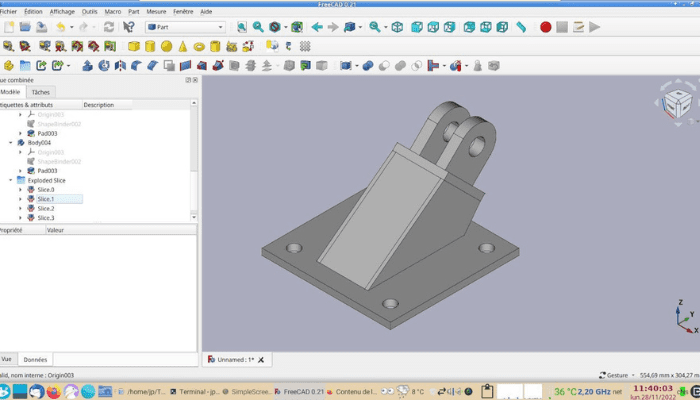
FreeCAD is a completely free and open-source parametric modeling tool that allows designing objects of any size. Its parametric aspect makes it easy to adjust your design by consulting the model’s history and modifying its parameters to obtain a different version. A key feature of FreeCAD is permanent access to the original sketches, providing you with continuous control over your designs. This versatile tool is specifically designed to adapt to a wide range of applications, from product design to engineering and architecture, while remaining accessible for personal use. Finally, the latest version, FreeCAD 0.21, was released in August 2023. This version includes improvements to the user interface, such as updating the navigation cube to improve ergonomics. It also brings new features to the core system (the program’s heart), the Application Programming Interface (API), the Addon Manager (plugin manager), and the various Workbenches of the software.
Level: Beginner
Price: Free
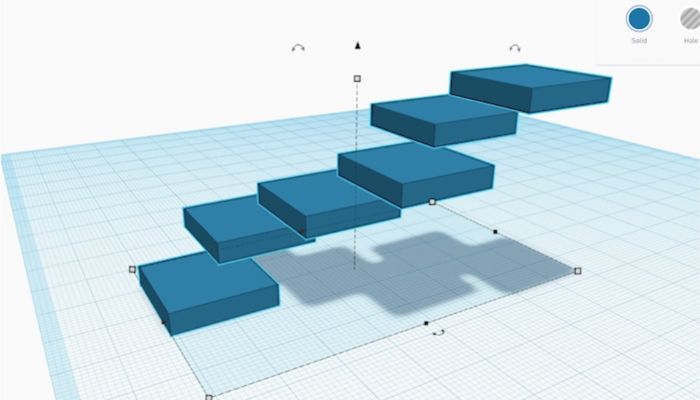
Autodesk’s Tinkercad is Autodesk’s 100% free browser-based software.